Your lossless music on iPhone and iPad
Tyche plays the music you own, FLAC and hi-res included, with or without a connection. Send it from your Mac over Wi-Fi, stream your whole library with Premium, or add albums from the Files app.
Free, with or without an account. Requires iOS and iPadOS 16.1 or later.
Library
HomeAlbumsArtistsGenresFoldersPlaylists
FavoritesRoad tripNever played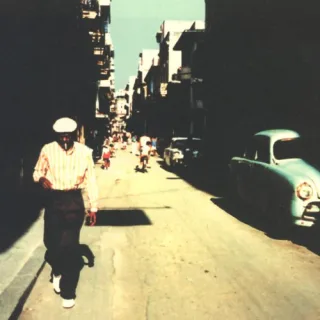 Buena Vista Social ClubBuena Vista Social Club
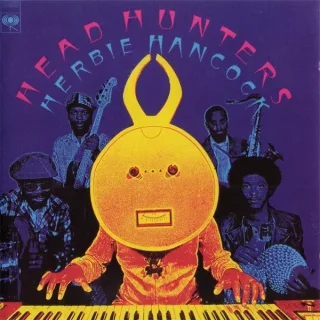 Head HuntersHerbie Hancock
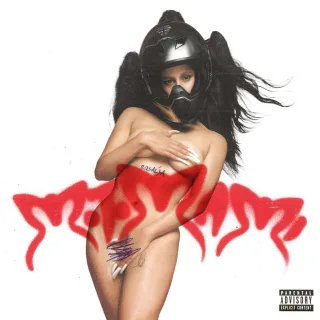 MOTOMAMIRosalía
 DiscoveryDaft Punk
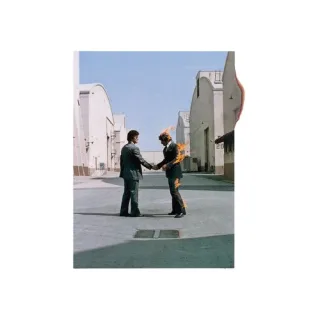 Wish You Were HerePink Floyd
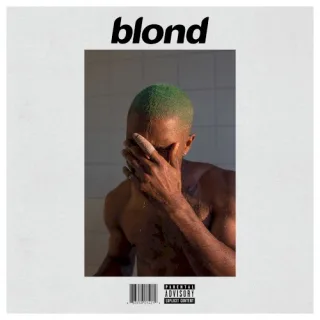 BlondeFrank Ocean
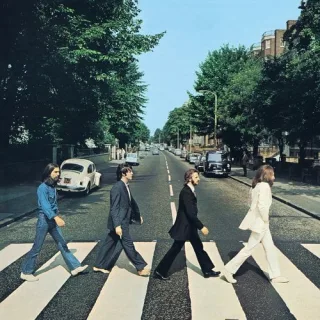 Abbey RoadThe Beatles
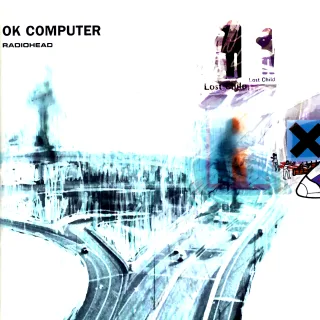 OK ComputerRadioheadChan ChanBuena Vista Social Club
Three ways to put your music on the phone
Use one, or mix them. The songs end up in one library, and your ratings, playlists and plays follow you between devices.
- Free
From your Mac, over Wi-Fi
Pair the iPhone with Tyche on your Mac once. At home, on the same Wi-Fi, pick albums, artists or playlists and send them across, exactly as they are, with their ratings and favorites.
- Premium
From your cloud library
Upload your library once, from the Mac, iPhone or iPad. It shows up on every device and streams anywhere in high quality. Your original files are kept untouched.
- Free
From the Files app
Copy your albums into a folder on the iPhone or iPad, then choose that folder in Tyche. iCloud Drive works too.
Between your devices
Ratings, favorites, playlists and plays stay the same on your iPhone, iPad and Mac: free at home over Wi-Fi, anywhere with Premium. Move what’s playing, with its queue, to another device, or use the iPhone as a remote for your Mac.
How sync worksLossless and hi-res files play as they are
Tyche plays FLAC, ALAC and 24-bit hi-res files untouched, next to everything else you own. With gapless playback on, whole albums flow on as they were mastered.
- Crossfade
- Prefer a blend? A 5-second crossfade takes the place of gapless playback.
- Equalizer and crossfeed
- Ten bands from 32 Hz to 16 kHz, 12 presets and your own. Crossfeed makes headphones sound more like speakers, in three levels.
- Even volume
- ReplayGain keeps songs and albums at the same loudness, without clipping. Songs without it are measured on the device.
- Streaming from the cloud
- Your cloud library streams in high quality, and your original files are kept untouched. Files on the device always play as they are.
| Format | What it is |
|---|---|
| FLAC | Lossless. CD-quality rips and 24-bit hi-res downloads. |
| ALAC | Apple Lossless, the format of many CD rips made on a Mac. |
| WAV and AIFF | Uncompressed audio, straight from the CD or the studio. |
| MP3 and AAC | Including the songs you bought on the iTunes Store. |
| Ogg Vorbis and Opus | Open formats that keep files small. |
What plays without a connection
Music you added from Files or sent from your Mac lives on the device. It plays in airplane mode or abroad with roaming off, signed in or not.
- Downloads, with Premium
- Download a song, an album or a playlist from your cloud library for the plane or the metro. A downloaded playlist follows its changes. Downloads wait for Wi-Fi unless you allow mobile data.
- Kept songs
- Cloud songs you play stay on the device and start at once next time. Choose the space they use, from 1 to 10 GB.
- Account optional
- Your own files play with or without an account.
Cloud library
Downloads
- Downloaded music214 songs · 8.6 GB
- Download using mobile dataOtherwise, downloads wait for Wi-Fi.
Songs on this device
- Kept songs412 songs · 3.1 GB
- Space for songsUp to 10 GB
Songs you play stay here and start at once.
Available offlineAvailable offlineAvailable offlineIn the car, and on the Lock Screen
In CarPlay, Tyche opens on Listen Now, with what you played and added recently, and Albums, Artists and Playlists one tab away. Play your favorites, shuffle everything or start a radio from an album and let Tyche pick what follows from your own library.
- Widgets
- Now Playing and Recently Played on the Home Screen, and Now Playing on the Lock Screen. A tap on a recent album plays it.
- Control Center
- Play or pause and Next, on iOS 18 and later.
- Sync on the Lock Screen
- Music coming from your Mac shows its progress on the Lock Screen and in the Dynamic Island.
- AirPlay and Bluetooth
- Send the music to AirPlay speakers and TVs, or to Bluetooth headphones, from the player.
- Siri and Shortcuts
- Play a song, album, artist or playlist, shuffle your library or rate the song playing.
Recently Played
Buena Vista Social ClubBuena Vista Social ClubOK ComputerRadioheadDiscoveryDaft PunkWish You Were HerePink FloydCarPlay works on iPhone.
On iPad, room for the whole library
The iPad gets the wide layout: your library and playlists in a sidebar, and room for album covers. The tag editor and Library health work there too, so you can tidy a library from the sofa.
Library health finds duplicates, missing covers, artist names written two ways and missing tags. Keep the best copy of a song and the others wait 30 days in Recently removed.
Library health
Find duplicates, missing covers and untidy tags.
- Duplicates6
- Missing covers3
- Artist names2
- Missing tags4
Identical copies
- Chan ChanBuena Vista Social Club · FLAC · MusicBest copy
- Chan ChanBuena Vista Social Club · MP3 · Downloads
The other copy goes to Recently removed; your files stay where they are.
Also in the iPhone and iPad app
Smart playlists
Pick genres, artists, years, ratings or favorites. They play endlessly, in a Familiar, Balanced or Discovery mix.
Weekly mixes
Four new mixes from your library every week: Rediscovery, Never played, On repeat and Deep cuts. Save any of them as a playlist.
Song radio
Start a radio from a song, album or artist. It picks what follows from your own library, by artist, genre and era.
Lyrics
Synced lyrics highlight the current line as the song plays.
Internet radio
About 60,000 stations around the world, on a globe or by search. Keep a song you hear in your To listen list.
Shake to shuffle
Shake the iPhone to play a random album or song.
Tyche for iPhone and iPad
- Requires
- iOS and iPadOS 16.1 or later. Control Center controls need iOS 18.
- Price
- Free. Premium adds a cloud library (plans).
- Plays
- FLAC, ALAC, WAV, AIFF, MP3, AAC, Ogg Vorbis and Opus.
- Hi-res
- 24-bit FLAC and ALAC play as they are.
- Transitions
- Gapless, or a 5-second crossfade.
- Sound
- ReplayGain, 10-band equalizer, crossfeed for headphones.
- Sync
- With your Mac: free at home over Wi-Fi, anywhere with Premium.
- Cloud
- With Premium: stream your library in high quality, originals kept untouched.
- Downloads
- With Premium: songs, albums or playlists, for offline listening.
- Kept songs
- With Premium: the space you choose, from 1 to 10 GB.
- CarPlay
- On iPhone: Listen Now, Albums, Artists and Playlists.
- Also on
- Mac, and in a browser with Premium. See every download.
Questions about Tyche on iPhone and iPad
Can I play FLAC files on my iPhone?
Yes. Tyche plays FLAC, 24-bit hi-res included, as well as ALAC, WAV, AIFF, MP3 and AAC. Files on your iPhone play as they are, with or without a connection.
How do I add music without a computer?
Download albums from a store such as Bandcamp or Qobuz in Safari, or copy them from a USB drive, into a folder in the Files app. Then choose that folder in Tyche. If the store gives you a ZIP file, tap it in Files to open it first.
Does Tyche work in airplane mode?
Yes, for everything on the device: songs from Files, songs sent from your Mac, cloud music you downloaded and songs Tyche kept after you played them. Streaming from your cloud library needs a connection.
Can Tyche play the songs in the Music app?
Tyche plays your own music files: add them from Files, or send them from Tyche on your Mac. Songs synced to the Music app and songs from the Apple Music subscription stay in that app.
On a Mac, Tyche brings over your Apple Music plays, ratings, favorites and playlists. Tyche for Mac.
Which iPhone or iPad do I need?
One with iOS and iPadOS 16.1 or later. Tyche’s Control Center controls need iOS 18. CarPlay works on iPhone.
Can I stop downloads and kept songs from filling my phone?
Yes. Kept songs stay within the space you choose, from 1 to 10 GB, a song leaves after 30 days without a play, and Tyche always leaves 2 GB free. Downloads stay until you remove them, one by one or all at once.
More answers in the FAQ.